What’s New
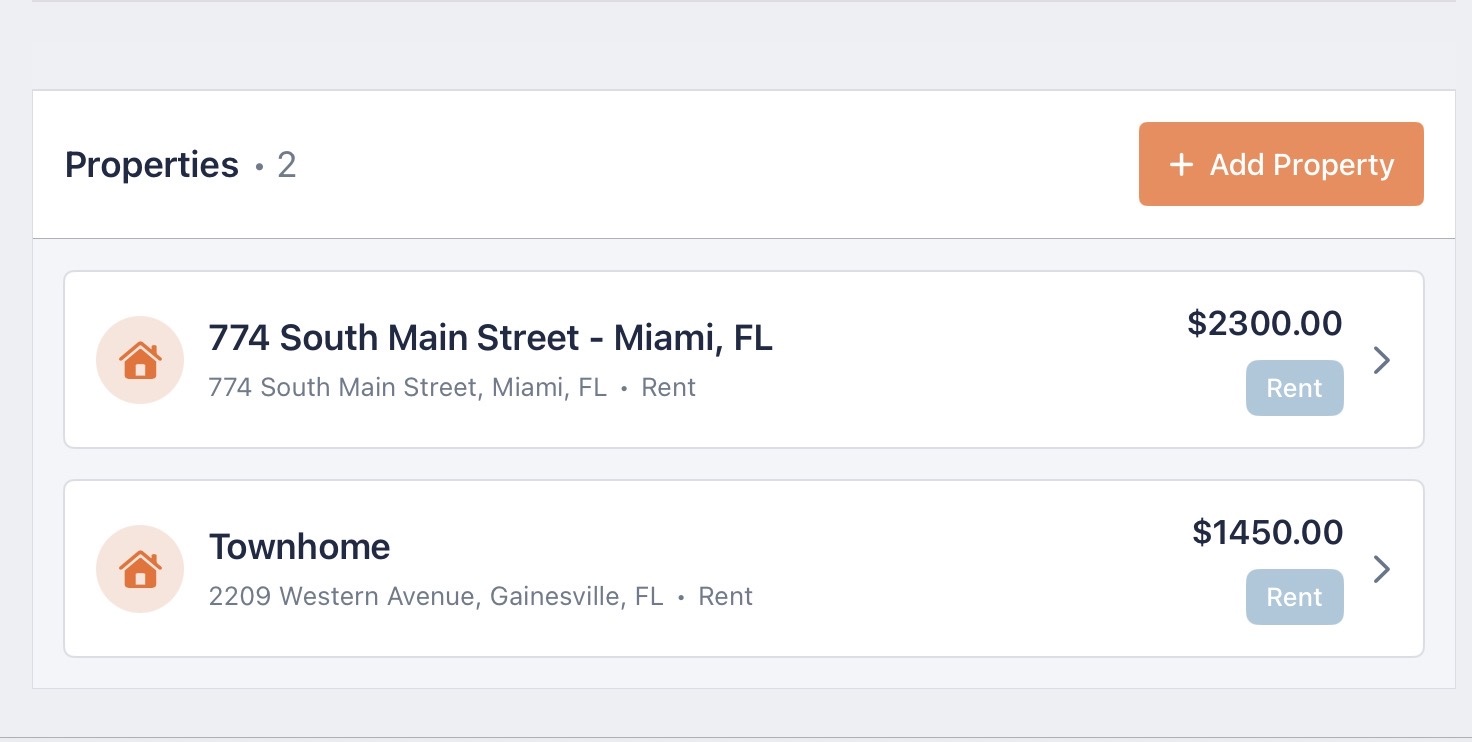
In this release you’ll find updates that supercharge the user experience for the dashboard, property timeline, and files integration. There were smaller updates to the dashboard views for properties as well as the charts. There is an all-new file upload experience that we’ll be expanding on in future releases, and for now you’ll be able to connect every doc you need to the property it belongs to.
Action Buttons
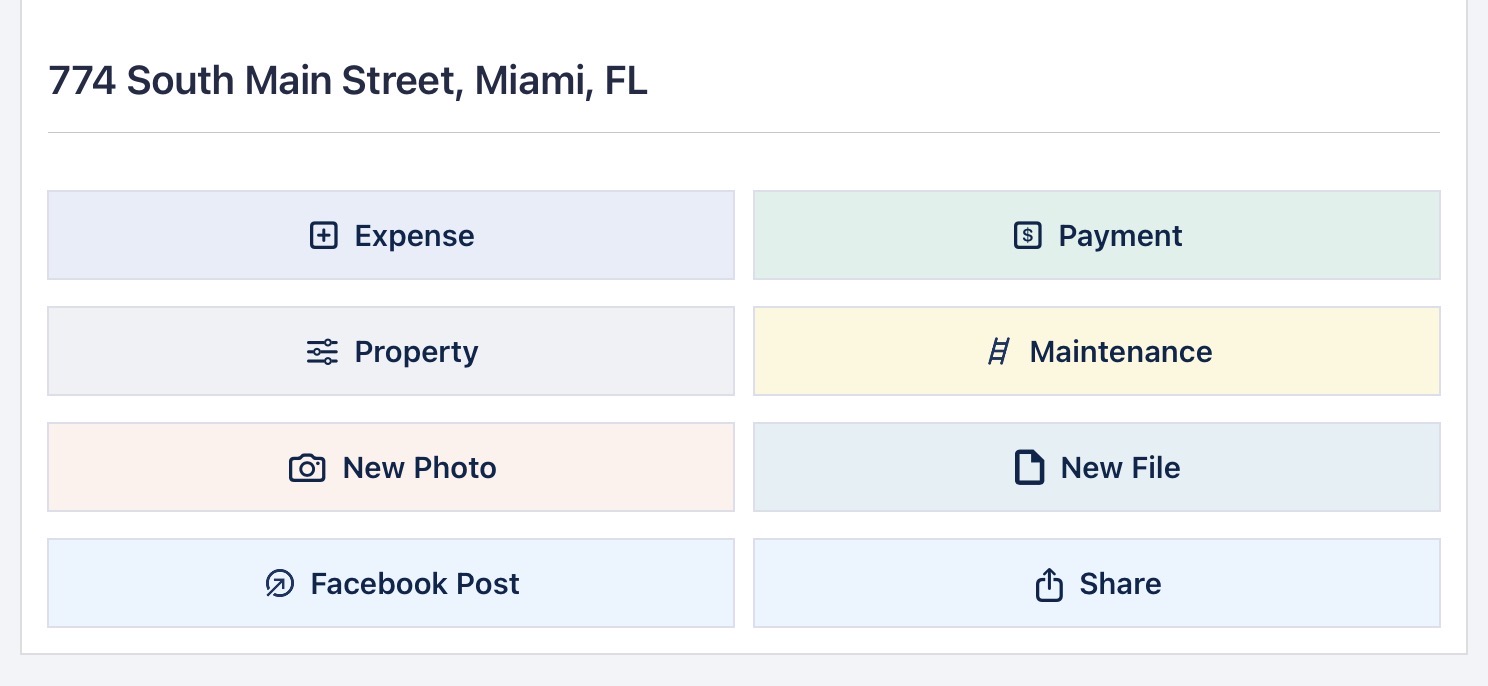
New action buttons have been added to the property details page that enhance what you can do from one section. Payments, expenses and maintnenace items will automatically factor into your Pro Score. Here’s a quick breakdown:
- Property Settings: Edit property settings like lease terms, title and tenants.
- Add Expense: Adds an expense to the timeline.
- Add Payment: Adds a new payment to the timeline and also reflects on your dashboard. Online Payments by your residents are automatically added to your timeline and Pro Score.
- Add Mainentnance: Adds a maintenance item to your timeline and auto-categorizes the maintenance item as an expense.
- New Photo: This button opens the settings window allowing you to add a new photo to your photo section at the top of the page. Limit 10 per property but can be increased upon request.
- New File: Opens a file explorer to upload a file connected to the current property. More on that later.
- Facebook Post: This button allows you to advertise your property in a Facebook post. Just copy and paste the description and you’re good to go!
- Share: Similar to other share buttons, this also allows you to copy a link to your property marketing page. These pages are only available online if the current property is actively listed for rent or sale.
Property Documents
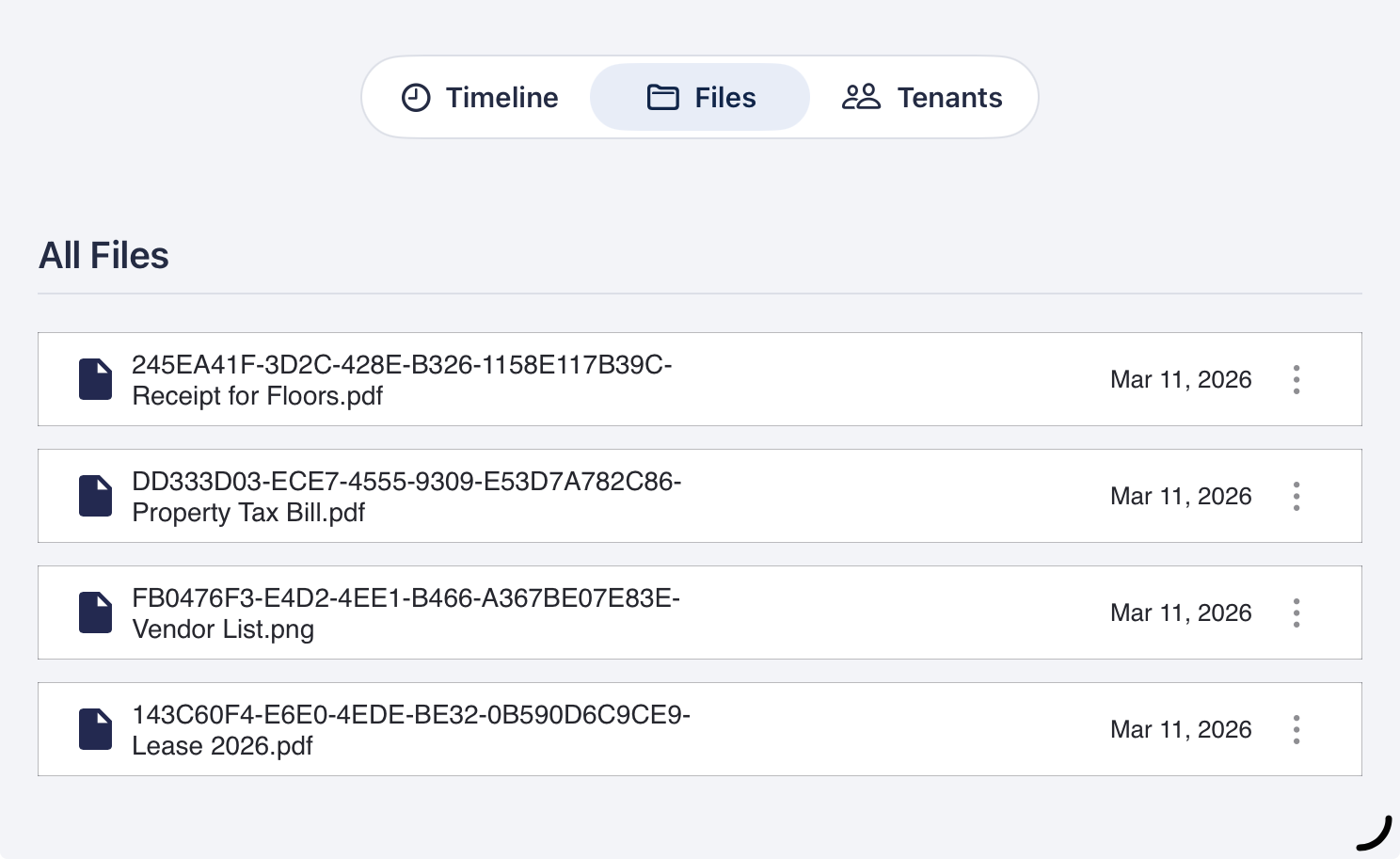
Add documents to a property by navigating to the property details page and clicking the files tab. There you’ll find an all-new experience for viewing and downloading files connected to the property. To upload a new file scroll to the top of the page where the New File action button lives. It will show a file upload screen where you can open up your devices file browser to add more documents. Each document has a 3-dot menu on the right where you can view the file in the app, or download to your device.
Timeline Filtering
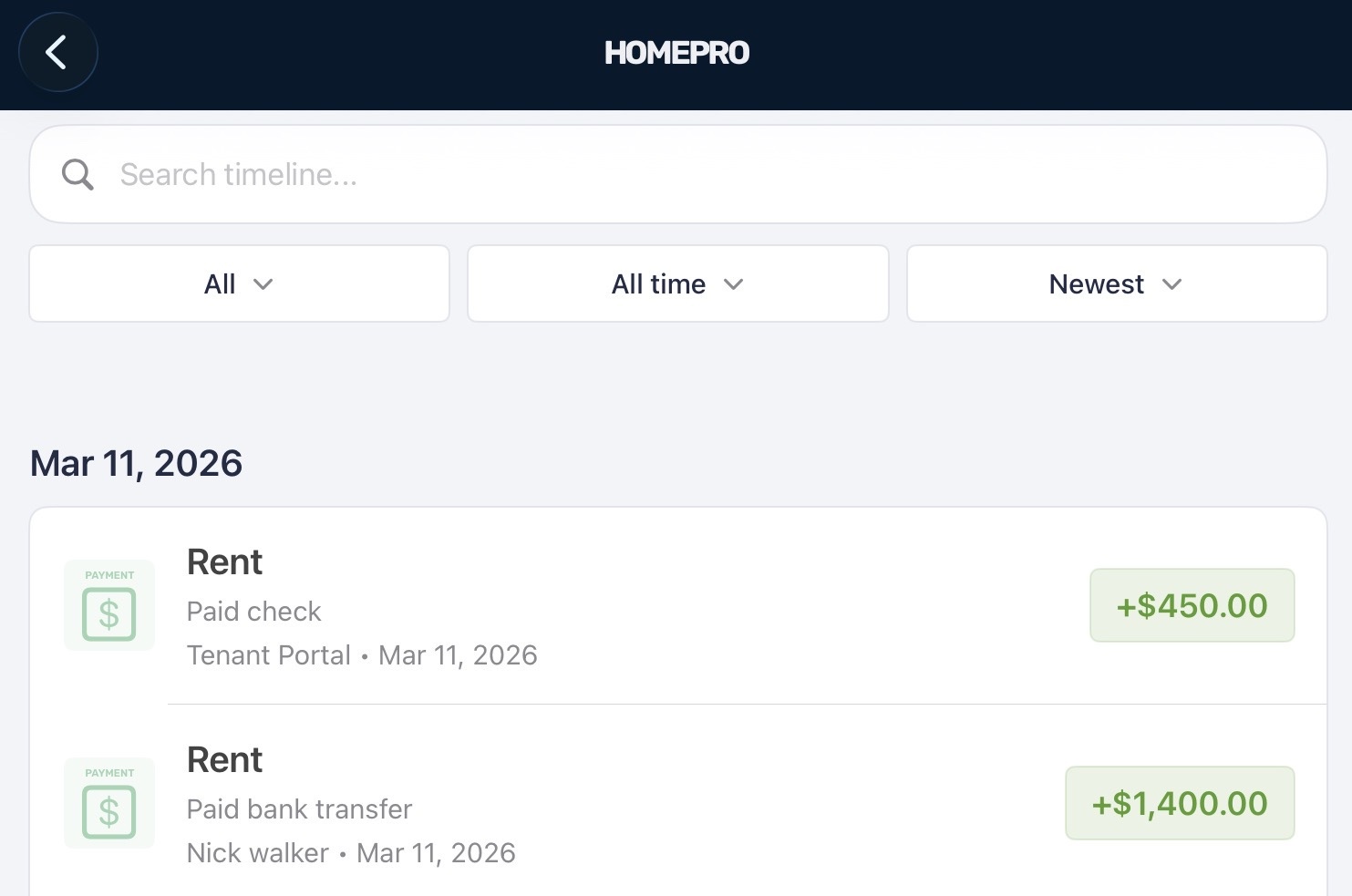
As you scroll through your timeline, the searchbox and filters remain at the top of the page giving you easy access. Additionally, We’ve made enhancements to the timeline header to support enhanced search, sorting and filtering. Together these changes let you find what you need super fast. In addition to the original filters, we’ve added:
- The ability to search on more fields of items.
- Filters for 30 Days, and 90 Days back.
- Sorting from newest activities to old
- Automatic groupings by date
